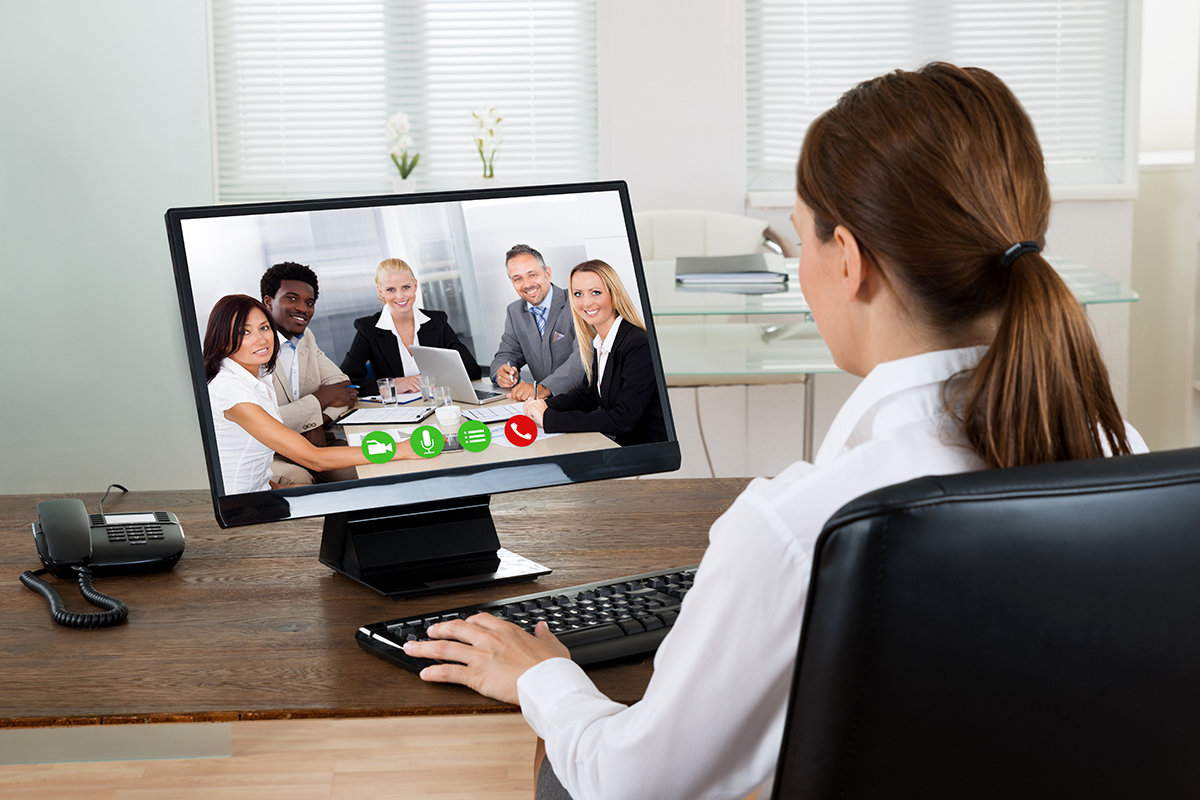

A meeting room can have premium displays and still fail the people using it. The usual causes are less dramatic: remote participants cannot hear side conversations, a laptop will not connect, cameras frame an empty wall, or staff need three remotes and a help desk ticket to start a call. This office audio visual fitout guide focuses on preventing those failures before equipment is selected.
For IT, facilities, and operations teams, an AV fitout is not simply a purchasing exercise. It is a workplace infrastructure project. The objective is to make every room dependable, intuitive, secure, and appropriate for the way teams actually meet.
Start With Meeting Behavior, Not a Product List
The best fitout begins with a clear picture of the meetings each space must support. A two-person focus room has different requirements from a 16-seat boardroom, a training room, or a divisible space used for town halls. Applying the same screen, camera, and microphone package everywhere often creates poor value and inconsistent experiences.
Review room occupancy, furniture layout, natural light, acoustic treatment, and the types of sessions held in each space. Ask whether meetings are primarily Microsoft Teams, Zoom, Webex, or mixed-platform calls; whether people regularly share content from personal devices; and whether participants join remotely, in person, or both. Also identify who operates the room. A system used daily by executives, visitors, or teaching staff needs a much simpler interface than one managed by an AV technician.
This discovery work should produce room standards, not a generic equipment catalog. Standards make it easier to support rooms at scale, train users, manage spares, and maintain a consistent meeting experience across locations.
Build the Office Audio Visual Fitout Around Four Essentials
Every successful room combines visual clarity, intelligible audio, simple collaboration, and reliable control. Each area affects the others.
Displays and camera placement
Display size should be based on viewing distance, room dimensions, and content type. A screen that works for video calls may be too small for detailed spreadsheets, design reviews, or training content. In larger rooms, dual displays can help separate remote participants from shared material, but only if the room platform and user workflows support them.
Camera selection is equally practical. A wide-angle camera may cover a small huddle room well but distort people seated close to the lens. In a boardroom, an intelligent camera with speaker framing or presenter tracking can improve remote engagement. However, camera intelligence is not a substitute for correct mounting height, sightlines, and lighting. A camera facing windows or strong backlighting will produce a poor image regardless of its specifications.
Audio that gives remote participants equal footing
Audio is the most common point of failure in hybrid meetings. People can tolerate a slightly soft image. They will not tolerate echoes, clipped speech, or a remote attendee who cannot follow the discussion.
Choose microphones based on room shape, ceiling height, table layout, and expected participant behavior. Table microphones may suit smaller, fixed-layout rooms. Ceiling microphones can provide a cleaner table and more flexible furniture arrangement, but require careful design, installation, and tuning. Soundbars are useful in compact spaces, while larger rooms may need dedicated speakers and digital signal processing.
Acoustics matter as much as the equipment. Hard surfaces, exposed ceilings, glass partitions, and open doors increase reverberation and background noise. In some cases, acoustic treatment, door seals, or changes to furniture and room layout will improve the experience more than upgrading a microphone.
Content sharing without friction
Users should be able to share content in the way their work requires. That might mean wired USB-C or HDMI connections for reliability, wireless presentation for convenience, or both. In rooms used by guests or external consultants, a straightforward bring-your-own-device option can be valuable.
The trade-off is governance. Wireless sharing can reduce cable clutter and speed up ad hoc meetings, but IT teams need to consider network segmentation, access controls, and the support model. Standardized room systems provide a more consistent experience and simplify management, yet may be less flexible for specialist applications. The right approach depends on security requirements and how frequently rooms host visitors.
Control that does not require instructions
A well-designed room should start a meeting with minimal steps. A touch controller, scheduling panel, or integrated collaboration bar can remove the need for users to select inputs, power displays, and adjust camera settings manually. The interface should use plain language and reflect familiar meeting tasks: join, share, call, and end.
Avoid over-automating functions that need human judgment. Automatic camera framing and display wake-up are generally helpful. Complex room modes, hidden settings, or control screens crowded with technical options are less helpful. Simple systems reduce training requirements and limit calls to support teams.
Design for the Physical and Technical Environment
The room itself determines whether an AV design will perform as intended. During planning, assess power availability, data cabling routes, Wi-Fi coverage, ceiling access, structural mounting points, and equipment ventilation. These details are easy to overlook when a project is focused on hardware selection, but they can drive costs, delays, and installation quality.
Network design deserves early attention. Video conferencing endpoints, management platforms, wireless presentation devices, and digital signage all rely on stable connectivity. Confirm bandwidth, quality of service policies, VLAN requirements, firewall rules, and remote management access before installation. A room system that performs well in a test environment may struggle on a production network that has not been prepared for real-time collaboration traffic.
Security and privacy should also be designed in, particularly in government, healthcare, financial services, and regulated environments. This may include endpoint management, authenticated access, encrypted conferencing, camera privacy controls, and clear processes for applying firmware updates.
Plan for Growth, Support, and Room Consistency
A fitout should support the next phase of workplace change, not only today’s floor plan. That does not mean buying the most expensive system available. It means selecting an architecture that can be managed, expanded, and serviced without rebuilding rooms one at a time.
Standardization is especially valuable for organizations with multiple offices, classrooms, or meeting spaces. Consistent room types make it easier to deploy software updates, replace failed components, stock spares, and help staff move between locations confidently. There can still be exceptions for executive boardrooms, training centers, and specialized spaces, but exceptions should be deliberate.
Consider the operating model before approving the final design. Who monitors devices? Who responds when a room goes offline? How quickly must it be restored? Is there a maintenance plan for displays, microphones, control systems, and cabling? Managed services and ongoing support can be more cost-effective than relying on internal teams to troubleshoot unfamiliar AV systems under pressure.
Use a Structured Delivery Process
The installation phase is where a sound design either becomes a dependable workplace asset or a collection of disconnected devices. A professional delivery process typically includes site survey, detailed design, equipment staging, installation, configuration, testing, user acceptance, training, documentation, and post-installation support.
Testing should reflect real meetings, not just a successful power-on check. Test calls across the organization’s preferred conferencing platforms, assess microphone pickup from every seat, validate wireless and wired sharing, check camera framing, and confirm that scheduling and room controls behave as expected. Include users in acceptance testing. Their feedback often identifies usability issues that technical testing alone will miss.
For complex projects, a single accountable partner can reduce coordination risk across AV, IT, construction, furniture, and facilities teams. eVideo brings together consultation, multi-brand technology selection, installation, integration, and ongoing support so organizations can manage the project as one connected outcome rather than several separate purchases.
Make the Room Easy to Trust
The most effective meeting rooms are rarely the ones with the longest feature list. They are the rooms people enter without hesitation because the call starts quickly, every voice is heard, content is easy to share, and support is available when it is needed. Treat those outcomes as the fitout specification, and the technology choices become far clearer.